Find authoring defects before handoff
Inspect OOXML styles, headings, lists, tables, image alternatives, links, language, and related document properties. Point repairs back to the Word source.
Document accessibility
Use one workflow for PDF and DOCX while keeping evidence native to each format. Find structural defects early, preserve final-file checks, and route questions about meaning to an author or reviewer.
AccessPreflight supports technical preflight and remediation evidence. Content owners remain responsible for the document and its publication context.
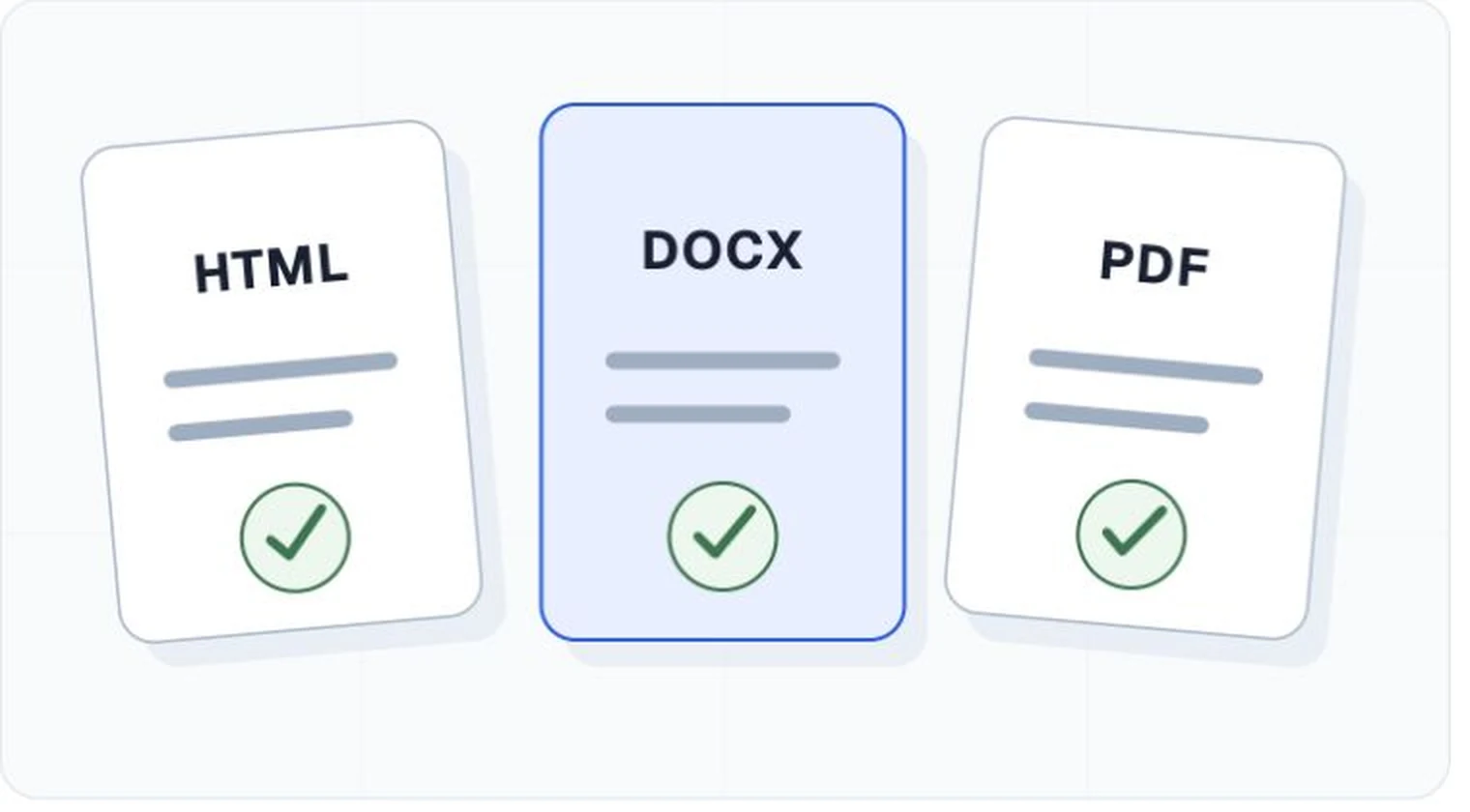
Two formats, specific evidence
Teams can use consistent finding states and gates while authors receive locations and repair instructions that match the document they can edit.
Inspect OOXML styles, headings, lists, tables, image alternatives, links, language, and related document properties. Point repairs back to the Word source.
Inspect the tag tree, document properties, object relationships, annotations, forms, and supported PDF/UA conditions. Keep manual checks separate.
Publishing control
A DOCX checker result cannot prove that its PDF export kept headings, order, language, links, alternatives, and table relationships. Scan the file that is actually published and connect it to the source version.
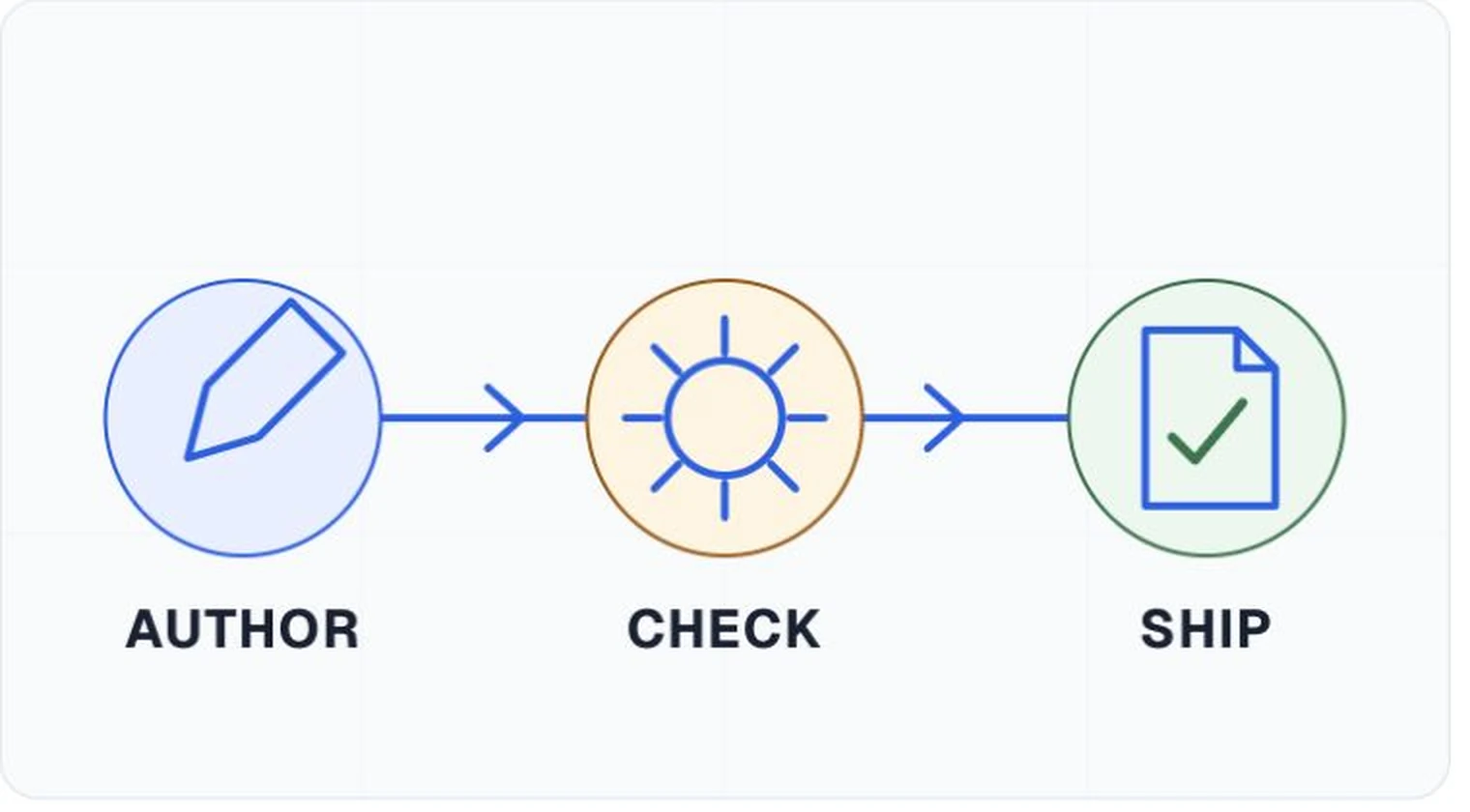
Software can inspect many encoded properties. Authors and reviewers still decide whether headings describe the content, image alternatives serve their purpose, tables make sense, and the complete document supports the reader's task.
Start free with PDF and DOCX scans, or book a demo to plan a larger document inventory and remediation workflow.
Automated preflight is not an accessibility certification or legal determination.