Choose for the reader's task
Use an editable document when readers are expected to revise, comment, extract, or adapt the content. Use PDF when a stable page presentation, controlled printing, signing, or archival delivery matters. If readers have different needs, publishing a well-structured web version can be more useful than forcing every task into a download.
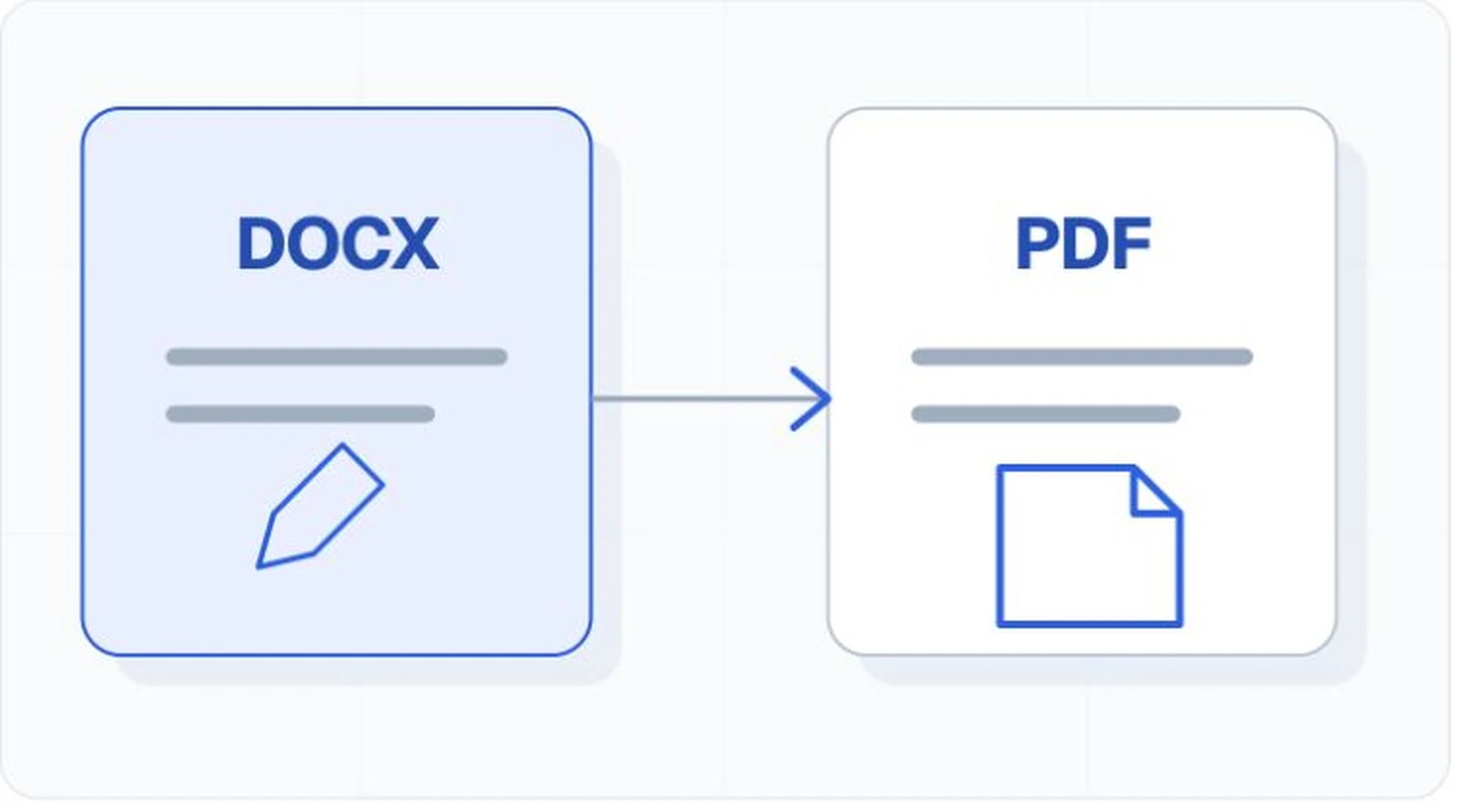
DOCX can expose editable structure
Word documents can provide heading navigation, lists, tables, image alternatives, links, comments, and editing controls. Readers can often change type size, spacing, colors, and layout through their application. Behavior can vary across editors and versions, so complex documents need compatibility tests.
PDF can preserve presentation and structure
PDF can carry a tag tree, language, alternatives, table relationships, links, and form information alongside a stable visual page. Those properties must be authored or repaired. A visually correct export can still have missing tags or a broken reading sequence.
Conversion is not a quality guarantee
Exporting DOCX to PDF changes the artifact. Confirm that styles became suitable tags, reading order stayed logical, links and language survived, table headers remain associated, and images retain appropriate alternatives. Test the format you publish, even when the source passed its own checker.
Before choosing
- Identify whether readers need to edit, complete, print, or archive the file.
- Check which applications and assistive technologies the audience uses.
- Decide who owns corrections and future exports.
- Test the final delivery format in the complete service journey.