The main technical difference
Legacy DOC files use a proprietary binary structure. DOCX files use the standardized Office Open XML format, stored as a package of XML and related resources. The package structure makes individual document parts more accessible to modern tools, validation, and automated processing.
Compatibility still needs testing
Modern Word versions can open both formats. Other editors may support common content while handling fields, embedded objects, fonts, or layout differently. When converting an older DOC file, compare the DOCX output with the original and retain a recoverable source.
DOCX is the practical choice for current workflows
DOCX supports current Word features and a standardized package structure. It is generally the more suitable working format for templates, collaboration, checking, and repair. That choice does not make the content accessible by default. Authors still need to use semantic styles, alternatives, clear tables, usable links, and appropriate language settings.
Review the migrated document
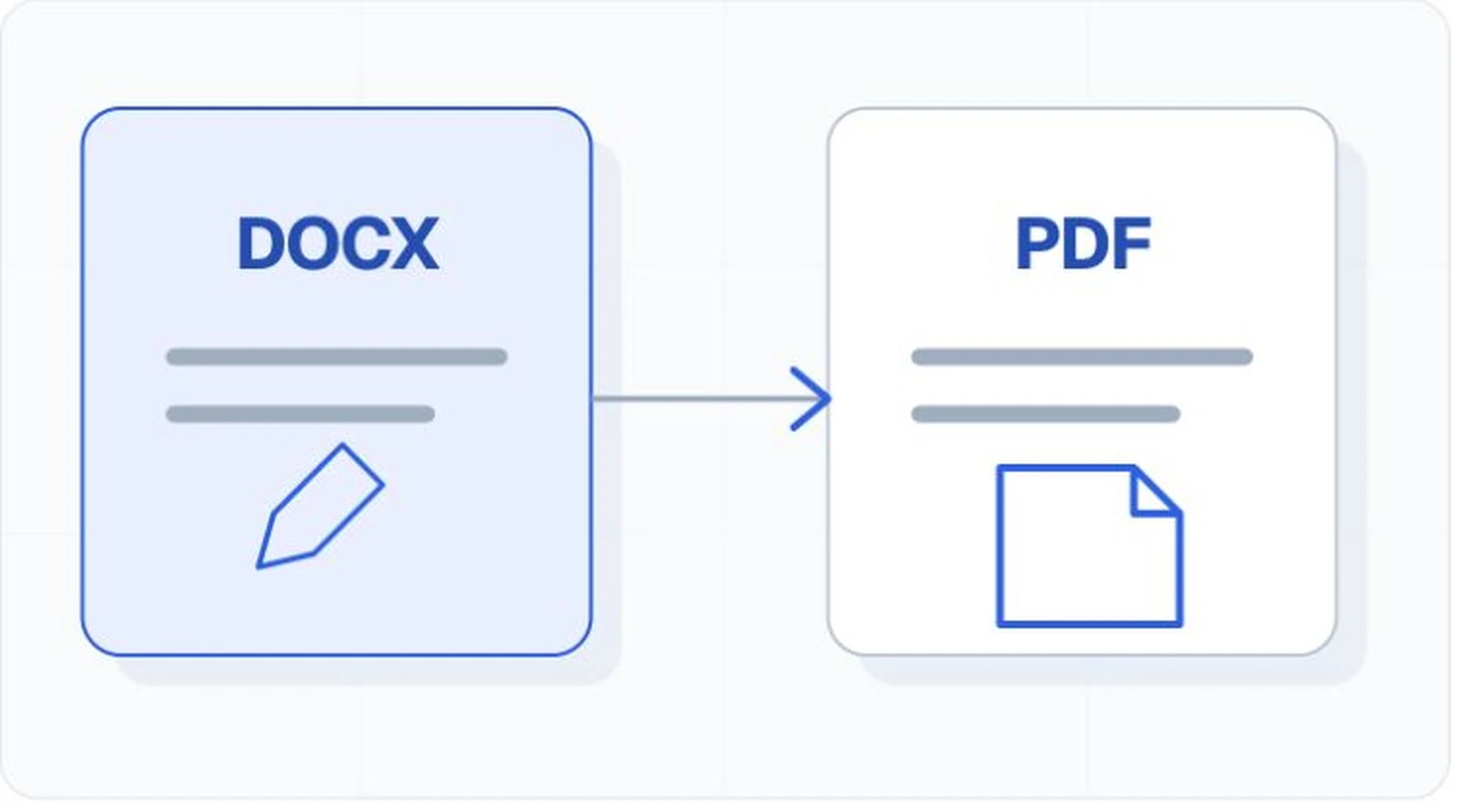
Run the authoring application's accessibility checker, inspect the heading outline and reading order, review images and tables, and test links and forms. If the DOCX will be exported to PDF, test the PDF as a separate artifact.