Inventory documents before assigning fixes
Record format, owner, source availability, publication location, audience, update frequency, and service importance. A frequently updated application form needs a different plan from a historical report. Prioritize by use and impact rather than file size or raw issue count.
Choose the repair layer
Correct styles, alternatives, tables, links, and language in the source when the document will be published again. Repair the final file when the source is unavailable or when file-level structure needs specialist work. Keep the source and output linked so future editors know where to begin.
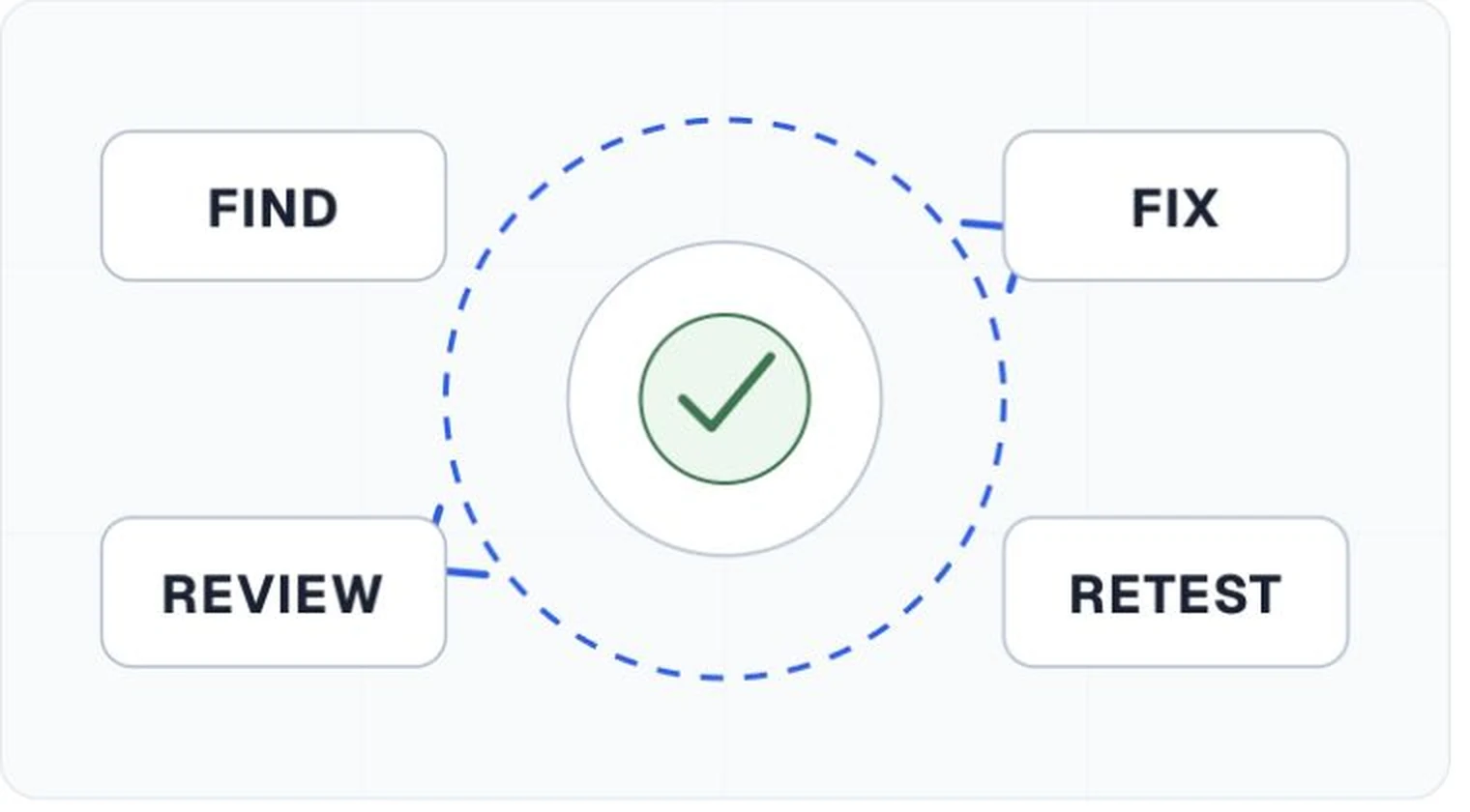
Assign work by defect, not by document alone
Authors can often correct headings, link wording, alternatives, and simple tables. A PDF specialist may need to rebuild the tag tree, repair reading order, or associate complex table headers. Designers and product owners may need to resolve contrast, layout, or form interactions. Make those dependencies visible in the report.
Review meaning after technical repair
Run automated checks again, then inspect reading order, heading quality, image alternatives, table navigation, links, forms, color, zoom, and assistive technology behavior. Use someone other than the original remediator for quality control when the risk or complexity warrants it.
Feed repeated defects back into publishing
If many files share the same missing title, untagged export, or broken table pattern, change the template, author guidance, or export preset. Remediation closes a file. Process changes reduce the number of files that need repair.