Use a table only for related data
Do not use tables to arrange page layout. For data, give the table a clear caption or nearby title and introduce abbreviations or units before the reader reaches the cells. Keep the structure as simple as the information allows.
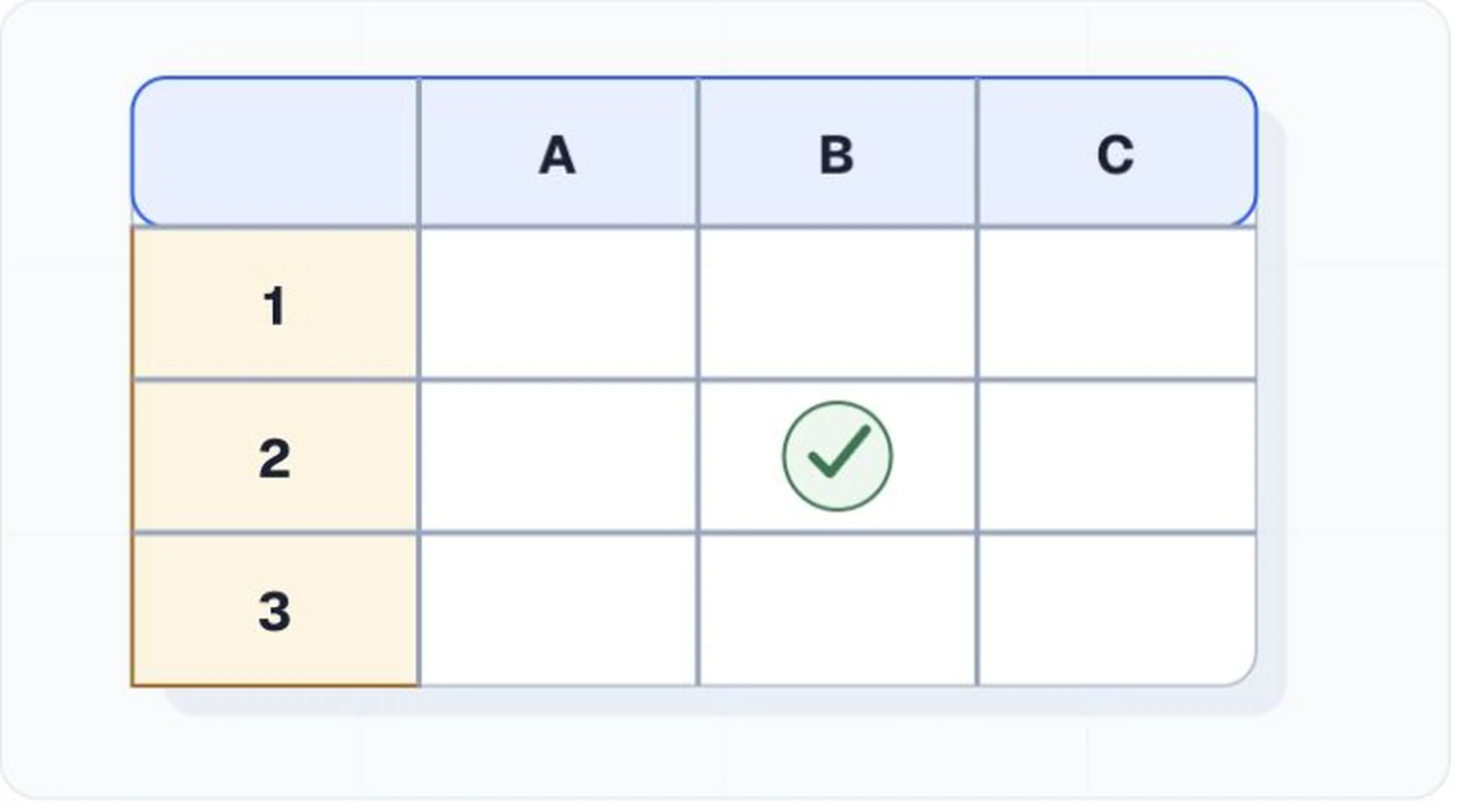
Identify headers in the format
In HTML, use table header cells and scope for straightforward row and column relationships. More complex tables may need explicit associations. In Word, designate header rows and avoid split or merged arrangements that obscure the grid. In PDF, confirm that table, row, header-cell, and data-cell tags reflect the intended relationships.
Avoid structures that force guesswork
Merged cells, multiple unrelated tables in one grid, blank cells used as separators, and nested tables can make navigation confusing. Break a complex display into smaller tables or provide the data in another structured format when the relationships cannot be expressed reliably.
Test one cell at a time
Navigate through the table with assistive technology and listen to the headers announced for each cell. Check the first, middle, and last rows, plus any change in header pattern. Inspect the encoded structure in the final format. A checker can find absent table markup, but a person needs to confirm that the markup describes the data correctly.