Set up the source before writing
Use an approved template with named heading styles, accessible color choices, list formatting, table guidance, document language, and export settings. Give authors a short checklist that fits the tool they use. Generic policy text is less helpful than showing how to create a real heading in that application.
Review during editing
Check the outline as sections change. Write link text that still makes sense out of context. Add image alternatives when the image and its purpose are known. Keep tables simple, identify headers, and avoid using tables for layout. Run the authoring tool's checker before the document reaches production.
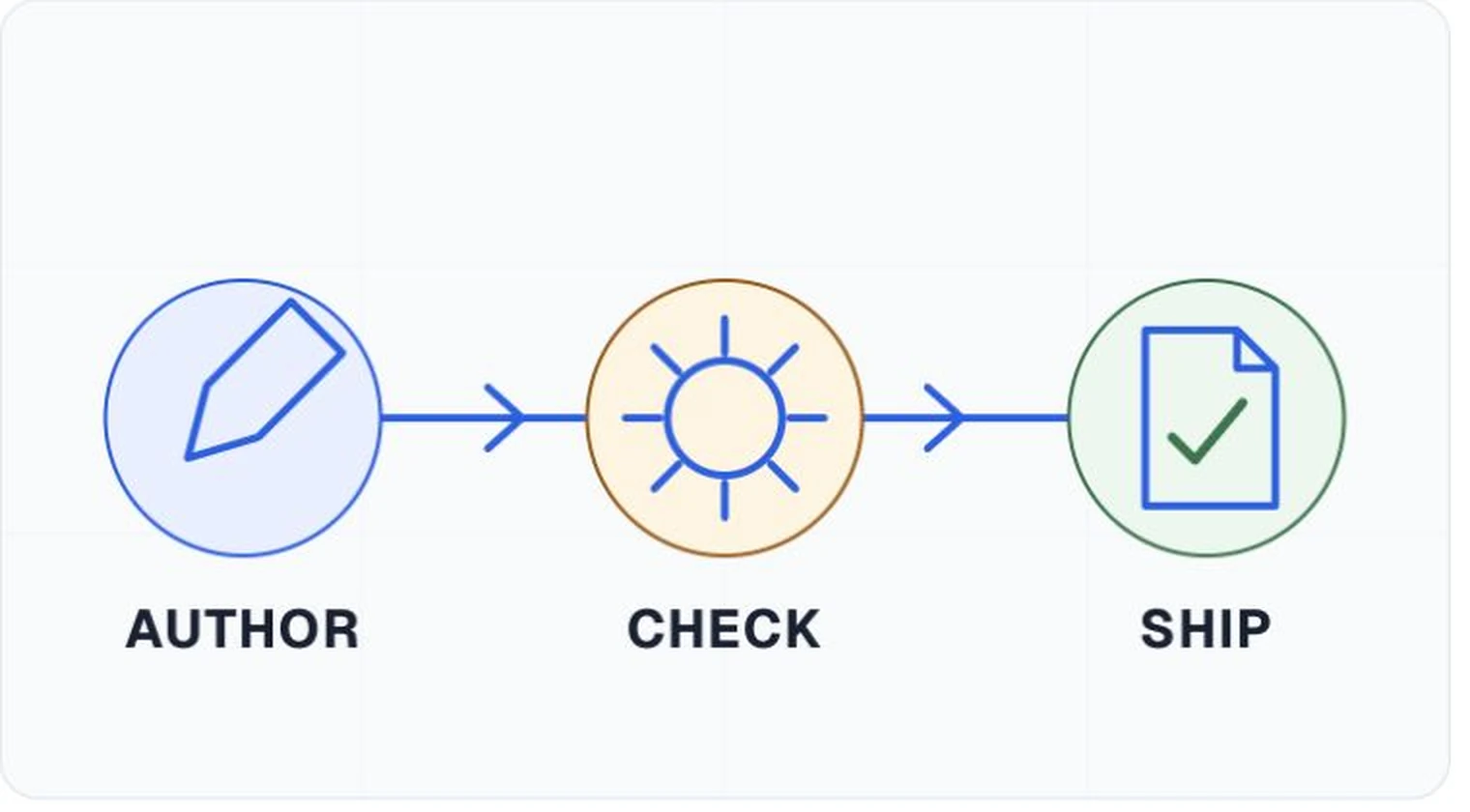
Inspect the exported file
Verify title, language, tags, reading order, headings, lists, figures, tables, links, and forms in the published format. Compare the output with the source. Some properties survive one export route and disappear in another, so record the application and export method used by the team.
Publish an accessible route to the content
The download link needs descriptive text and a clear file type. If the document is part of a form or service, test the complete journey. Provide a correction contact that reaches an owner, and keep the published file tied to its review result so later replacements trigger another check.