The page view is only one representation
A PDF page stores positioned content for visual rendering. Assistive technology needs more than coordinates. A structure tree associates page objects with semantic elements and an intended sequence. That tree can identify a line as a heading, a group as a list, or cells as part of a table.
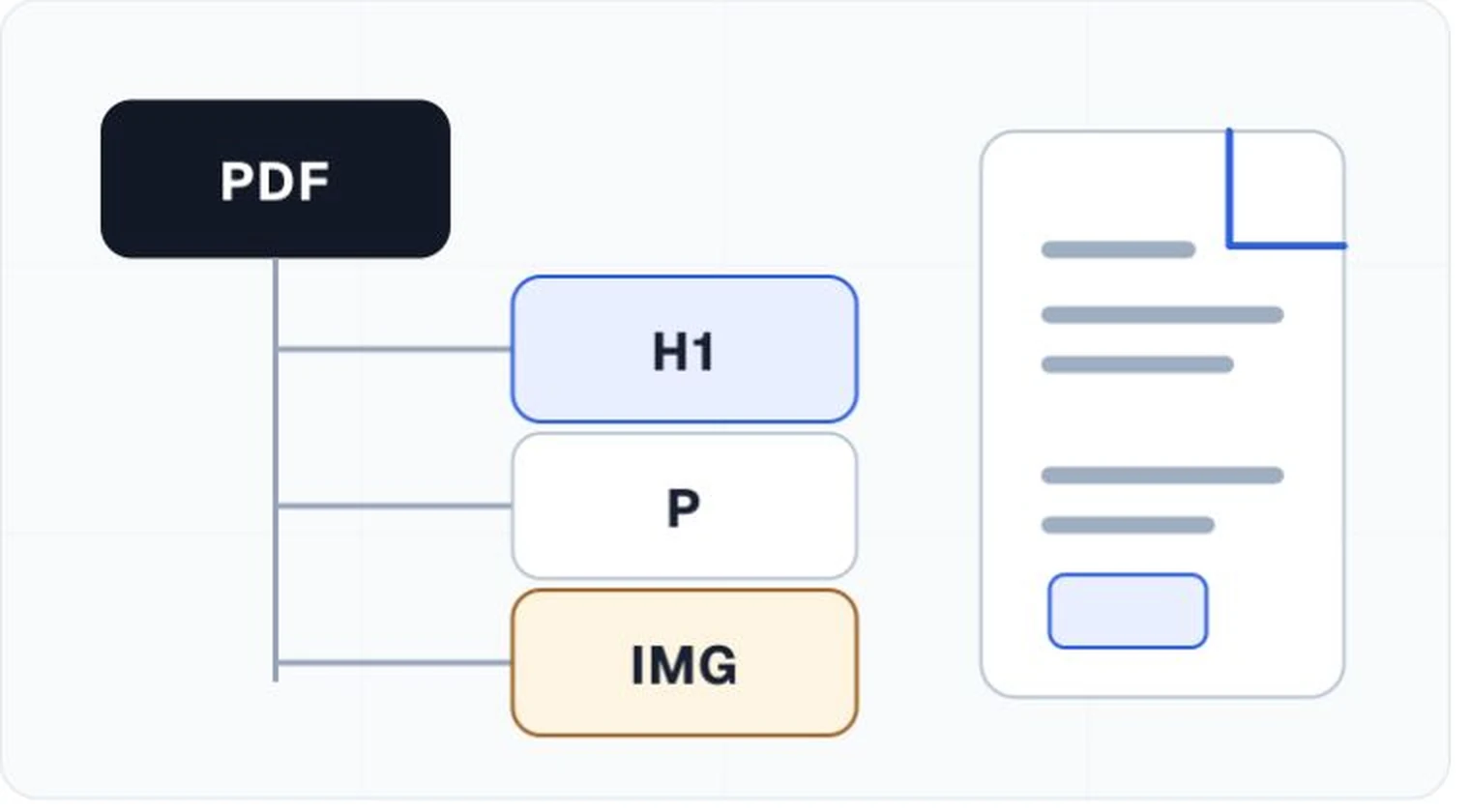
Common structural elements
A well-structured document can contain section containers, headings, paragraphs, lists and list items, tables with rows and header or data cells, figures, captions, notes, links, and form elements. Decorative content such as page numbers or border ornaments can be marked as artifacts so it does not interrupt reading.
Reading order is connected but not identical
The structure tree supplies a logical order for assistive technology. PDF tools can also expose other orders for keyboard focus and reflow. A two-column page, sidebar, footnote, or floating caption can reveal differences. Review the document in the relevant reading and navigation modes instead of trusting one order panel.
Tags can be present and still be wrong
Auto-tagging can create a useful draft, but visual patterns do not always reveal semantics. A large bold line might be a title, heading, callout, or decorative text. Table associations and nested lists often require deliberate repair. Inspect the tree against the page and read through it with assistive technology.