The file needs real text
A scanned page can look like text while containing only an image. People who select, search, copy, magnify, or hear the text through a screen reader need machine-readable characters. Optical character recognition can recover text from a scan, but the result still needs proofreading. Names, columns, and punctuation are common places for recognition errors to change meaning.
Visual layout needs a programmatic structure
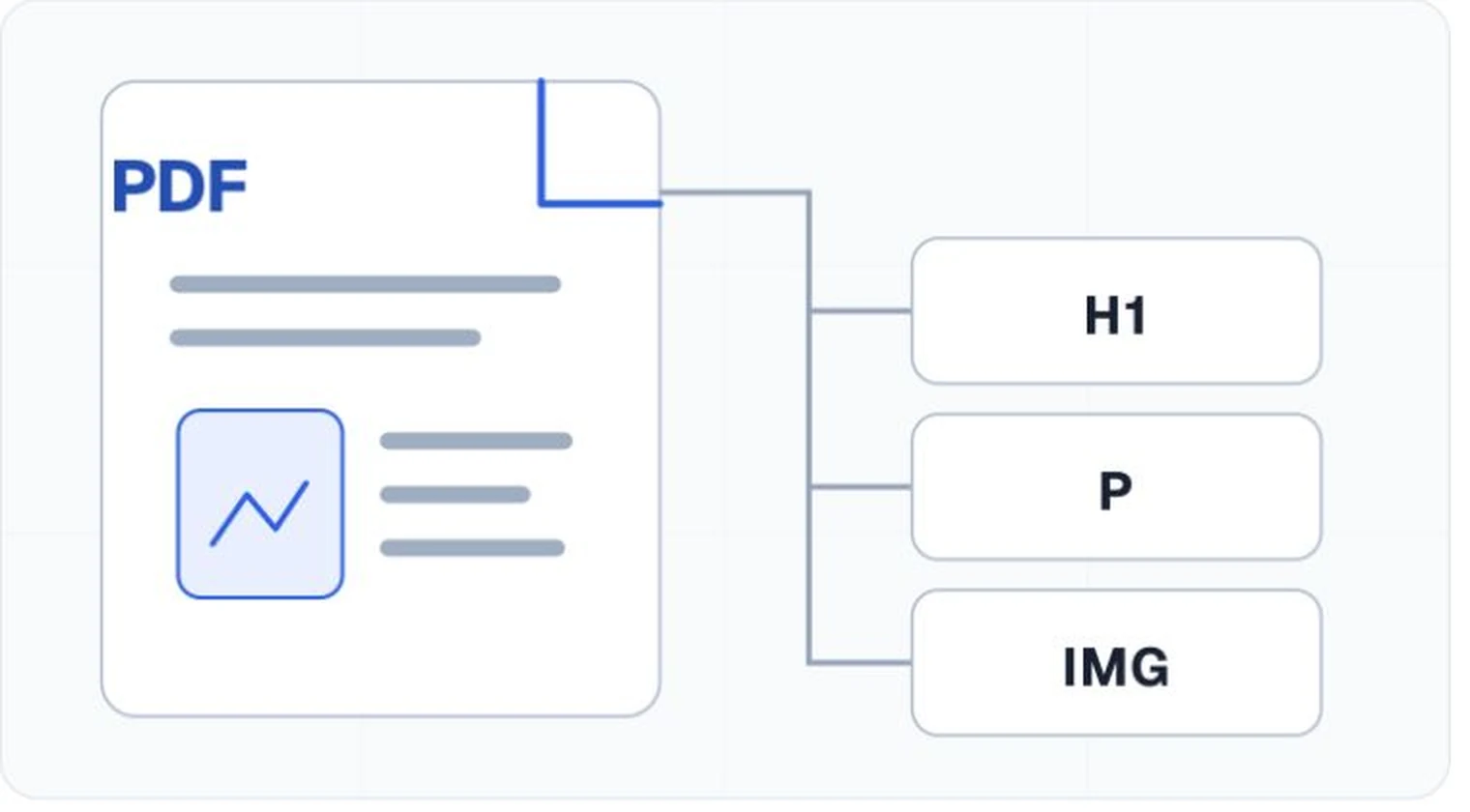
A sighted reader can infer that large bold text is a heading and that a group of indented lines is a list. Software needs those roles recorded in the PDF's structure tree. Headings, paragraphs, lists,tables, links, and figures need suitable tags in a logical hierarchy.
The tag tree also separates real content from repeated page furniture. A decorative line or running header may be marked as an artifact so it does not interrupt the reading sequence on every page.
Reading order has to follow the meaning
PDF stores positioned page objects, so extraction order can differ from the order a person sees. Multi-column pages, sidebars, footnotes, and callouts are frequent trouble spots. The structure tree and content order should let a reader move through the document without sentences jumping across columns or captions appearing far from their figures.
Images and controls need context
Informative images need text alternatives that communicate their purpose in this document. Our guide toautomatic alternative text explains why that wording still needs an editor. Complex charts often need a nearby text explanation or data table because a short alternative cannot carry all the information. Decorative images should stay out of the reading experience.
Links need meaningful text and correct annotations. Form fields need names, roles, values, instructions, and error handling that work without relying on position or color. A technical checker can inspect several of these properties. A person still needs to use the form and judge whether the interaction makes sense.
Visual access still counts
Tags do not repair low contrast, tiny type, information conveyed only by color, or a layout that falls apart under magnification. The PDF Association notes that PDF/UA conformity does not by itself settle content issues such as color and contrast. An accessibility review therefore has to look at the page and its programmatic structure.
A short working definition
An accessible PDF has readable and selectable text, a logical tag tree and reading order, meaningful alternatives, usable links and forms, appropriate language and title metadata, and visual presentation that people can perceive. Testing covers both the file's technical properties and the document in use.