Baseline the final input
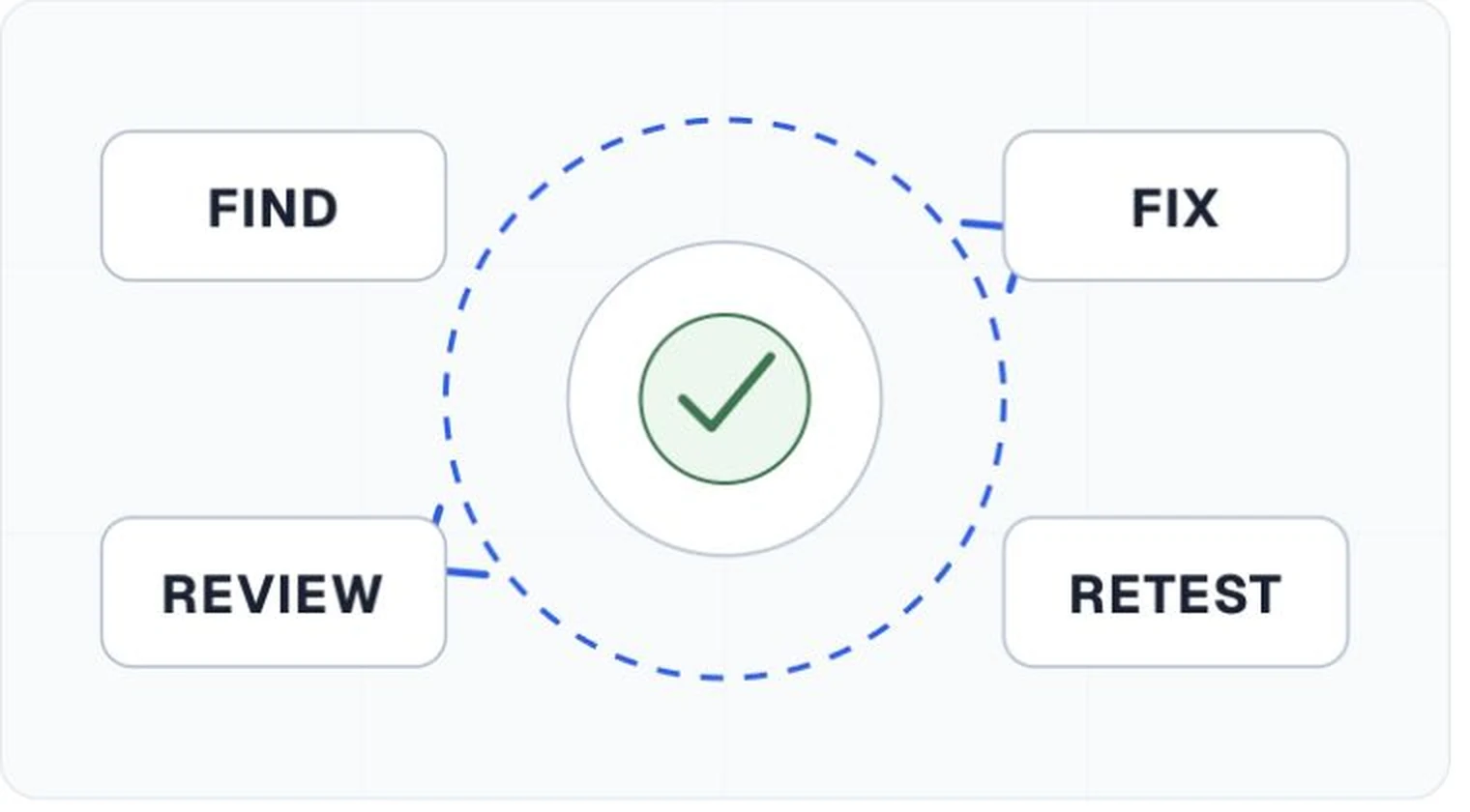
Identify the file and capture its existing failures, warnings, manual checks, and tool versions.
PDF remediation
Move from validator output to owned work. AccessPreflight keeps each defect tied to its page or structure path, repair guidance, review decision, and the scan that verifies the new file.
AccessPreflight identifies and routes remediation work. It does not silently rewrite or replace the customer's PDF.
Repair queue
Generic advice creates another search task. Preserve the object, tag, annotation, relationship, or page context that caused the result, then attach guidance suited to PDF structure.
Identify the file and capture its existing failures, warnings, manual checks, and tool versions.
Choose source repair or direct PDF repair and give the work to an author or PDF specialist.
Inspect reading order, alternatives, tables, forms, links, and navigation after technical changes.
Rerun the baseline checks and preserve both results so closed findings remain reviewable.
Source-aware decisions
A direct PDF fix can close the current file. A corrected template, source document, or export preset can prevent the same defect in the next edition.
Fix styles, tables, images, links, and export settings when the content will be edited and published again.
Use specialist tag and object repair when the source is unavailable or the PDF requires file-level correction.
Keep accepted limitations explicit. A status change without the repaired file and retest evidence leaves the next reviewer guessing.
Start with a free workspace or book a demo to review source decisions, assignment, manual checks, and retest history.
Automated preflight is not an accessibility certification or legal determination.