An audit starts before the first scan
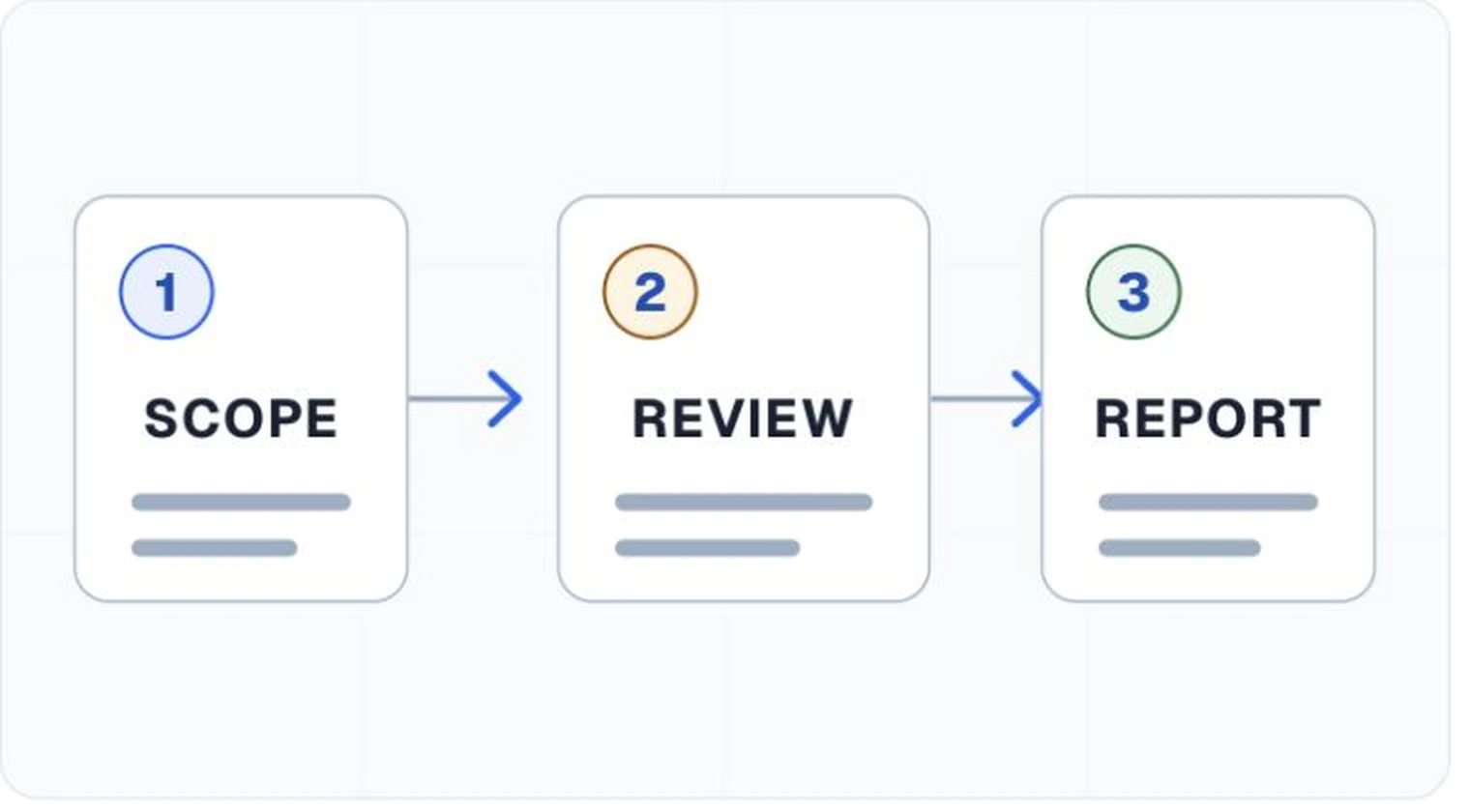
A website is more than its homepage. It has templates, forms, account states, errors, dialogs, search results, and content that may come from several teams. An audit needs a written scope that names the product, target standard, conformance level, browsers, assistive technologies, and the pages or states that will be evaluated.
For a large site, the evaluator usually selects a representative sample. W3C's WCAG-EM methodology describes a process for exploring the site, choosing a sample, evaluating it, and reporting the result. A sample can support a reasoned conclusion about the defined scope. It does not make every untested page disappear.
Automated checks are one part of the assessment
Software is good at conditions with a repeatable technical test. It can find an image without an accessible name, a form control without a programmatic label, invalid relationships, and some contrast failures. It can repeat the same test across releases and point back to the affected element.
Other questions depend on meaning and use. A tool can confirm that an image has alternative text. A person has to decide whether those words carry the image's purpose in this context. Complete keyboard journeys, error recovery, announcements, and the clarity of instructions also need direct evaluation.
A clean scanner result means that the scanner did not find failures in the conditions it ran. It is not a complete accessibility finding.
What the evaluator should record
Each finding needs enough detail for a developer, designer, or author to locate the problem and understand the expected behavior. A practical record includes the page and state, the requirement, observed behavior, evidence, severity or impact, and a clear next action. Screenshots help with visual context, but they should not replace selectors, document locations, or steps to reproduce the issue.
The report should also record what ran successfully and what did not. A page that blocked resources may have reduced contrast coverage. A test that could not reach an authenticated state should be reported as a scope limitation, not a pass.
Retesting closes the loop
Remediation changes the product, so the original result eventually becomes historical evidence. Retesting confirms whether the reported barrier is gone in the intended environment and whether the repair introduced a different problem. Teams should keep the original finding, repair reference, reviewer note, and retest outcome connected.
A periodic audit can establish a broader baseline. Release checks can then watch for regressions between those deeper evaluations. The two activities answer different questions and work better when they share the same finding identities and evidence format.
Questions to ask before accepting an audit
- Does the scope name the product, standard, level, pages, and user states?
- Does the method combine repeatable tooling with human evaluation?
- Can another person reproduce each finding from the evidence?
- Are untested areas and failed test conditions written down?
- Is there a process for assigning, repairing, and retesting findings?