Ask what the tool can observe
Start with the test surface. Does the software render a page in a browser, inspect supplied HTML, or analyze source markup without running it? Can it reach authenticated states? Does it support documents as well as websites? The answer changes which failures the tool can find and which evidence it can preserve.
Look for coverage by rule and evaluation method. "WCAG support" is too broad to compare. A useful product says which conditions are deterministic, which are heuristic or partial, and which require a person. It should also report when a test could not run.
Inspect one real finding
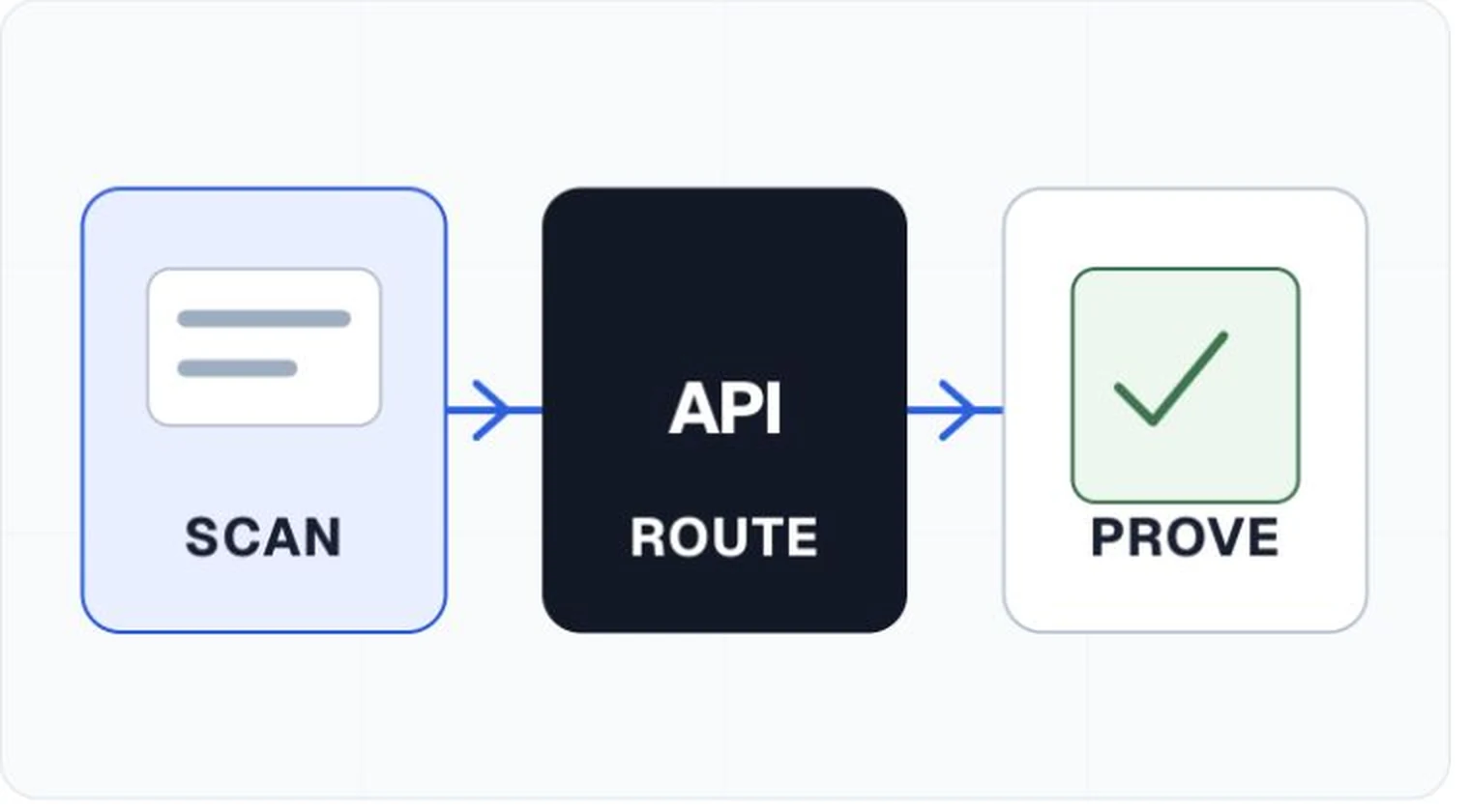
Ask the vendor to open a finding from a real scan. Check whether it includes the page state, a stable locator, the observed condition, the mapped requirement, and repair guidance. A screenshot can help, but it should not be the only location evidence. For documents, page number alone may also be too weak if the object can move after editing.
The report should retain tool and ruleset versions. If a rule changes next quarter, you need to know whether a changed result came from the product, the page, or the test itself.
Decide how it enters delivery work
A browser extension can help an individual inspect a page. A team running repeated releases may need an API, command-line workflow, webhooks, quality gates, and project-level baselines. Check how the software handles duplicate findings and whether a component repaired once can close occurrences across several pages without losing traceability.
Quality gates should work with explicit conditions. A release team may block new critical failures while tracking older debt separately. A single score often hides that distinction and can change even when the user impact did not.
Keep human evaluation in the product
Manual checks should have owners, instructions, evidence fields, and a status. If the product merely adds a sentence saying "manual testing recommended," the work will drift into another spreadsheet. The better question is whether the tool helps a person complete and preserve that review.
The U.S. Department of Justice notes that automated checkers can help but need careful use, and that a clean report does not necessarily mean everything is accessible. Vendor language should respect that limit.
Evaluation questions for a product trial
- Can the tool explain exactly which checks ran on this asset?
- Does one finding contain enough evidence for another person to reproduce it?
- Can teams keep required human checks with the scan?
- Are rule, engine, browser, and profile versions preserved?
- Can a release gate distinguish new failures from existing backlog?
- Does the vendor avoid claiming that automation certifies compliance?